Skip to Video👇
Note! Our video below does not have an audio.

1. Check Your Inbox for Your Access code:
Check your inbox for your access code. The code be sent from no-reply@wisdome.site.

2. Set Up Your Wisdome Account:
Click the 'Access your Web Account' button or go to https://wisdome.site/login.

3. Enter Your Access Code
Enter your access code and click 'Login'.
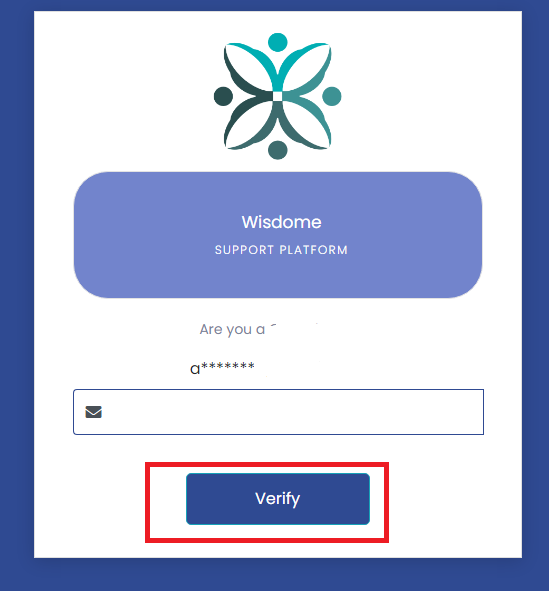
4. Verify Your Email:
Enter the email address associated with your Wisdome account and click ‘Verify.’
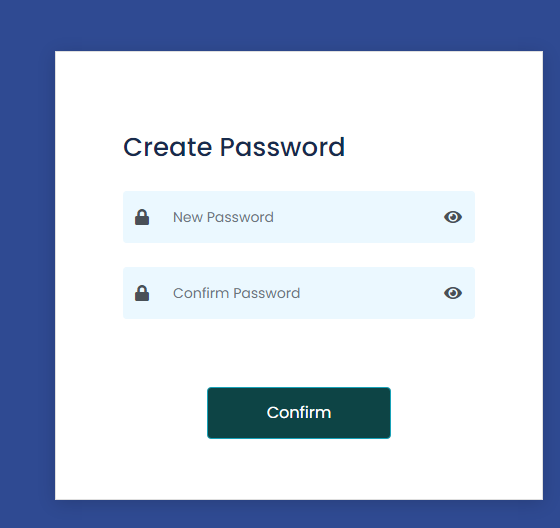
4. Create Your Password:
Create a password. Confirm your new password by entering it in the 'Confirm Password' field and hit 'Confirm' to save your information.
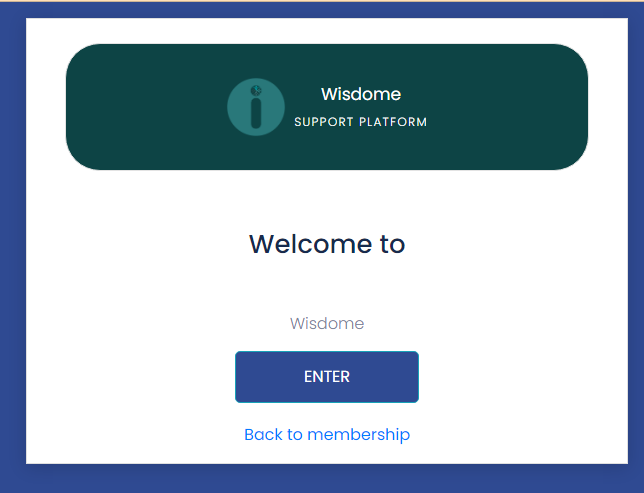
5. Access Your Account Dashboard:
After confirming your password, you will be directed to a new screen. Click 'Enter' to access your account dashboard.
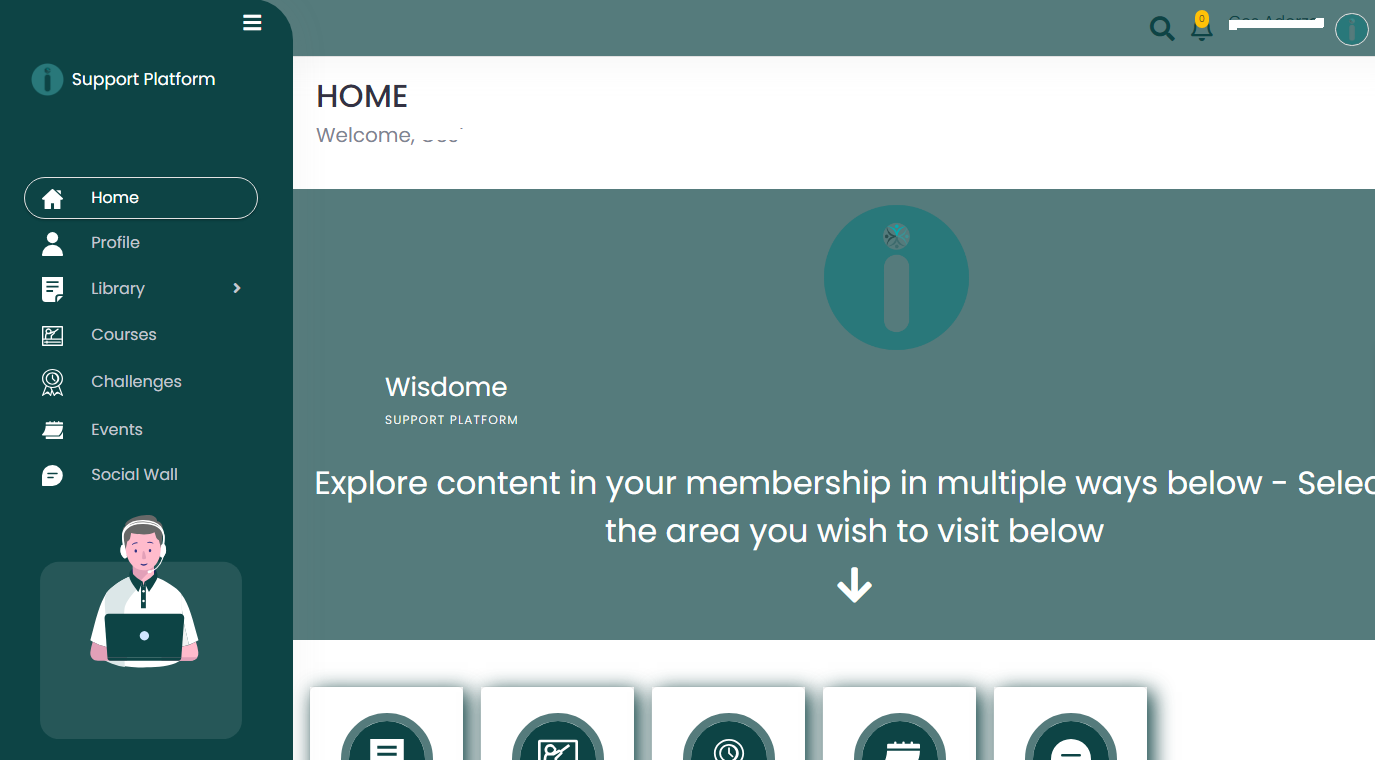
Congratulations! Your Wisdome account has been set up. You can check all available content for your membership.
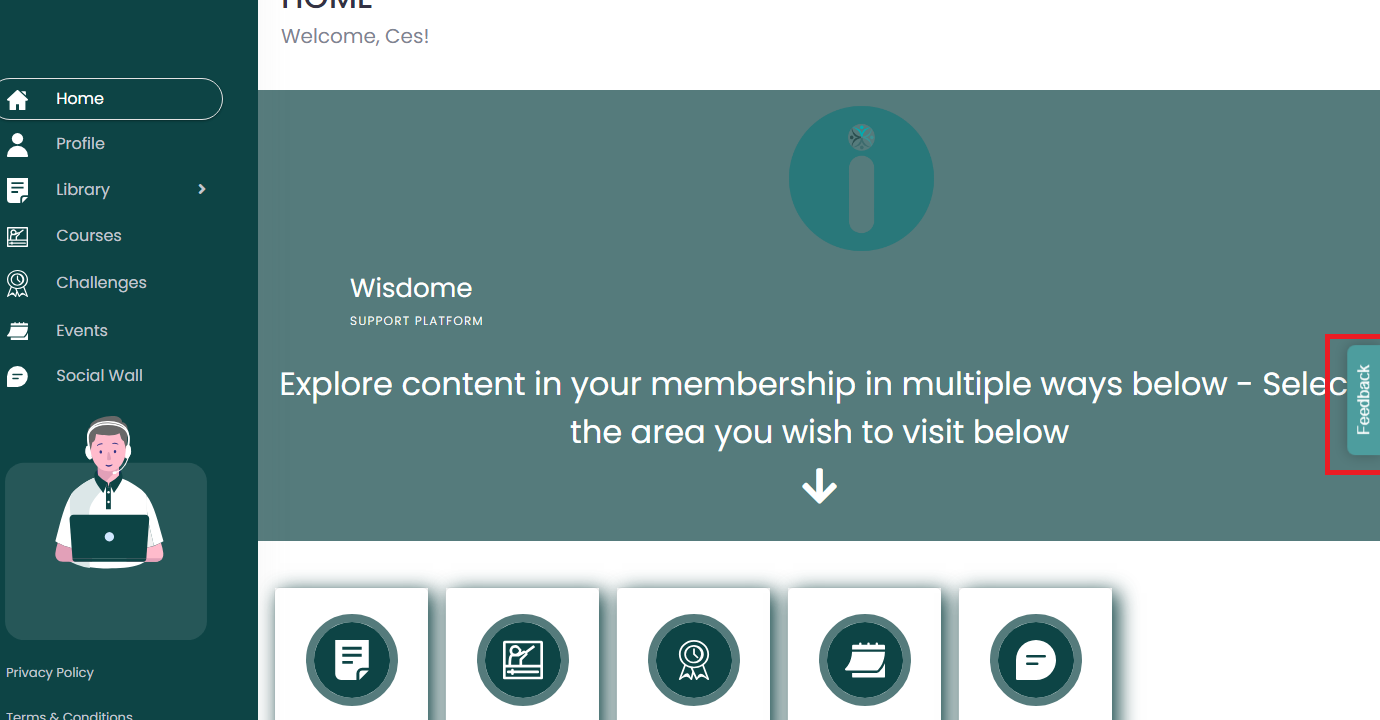
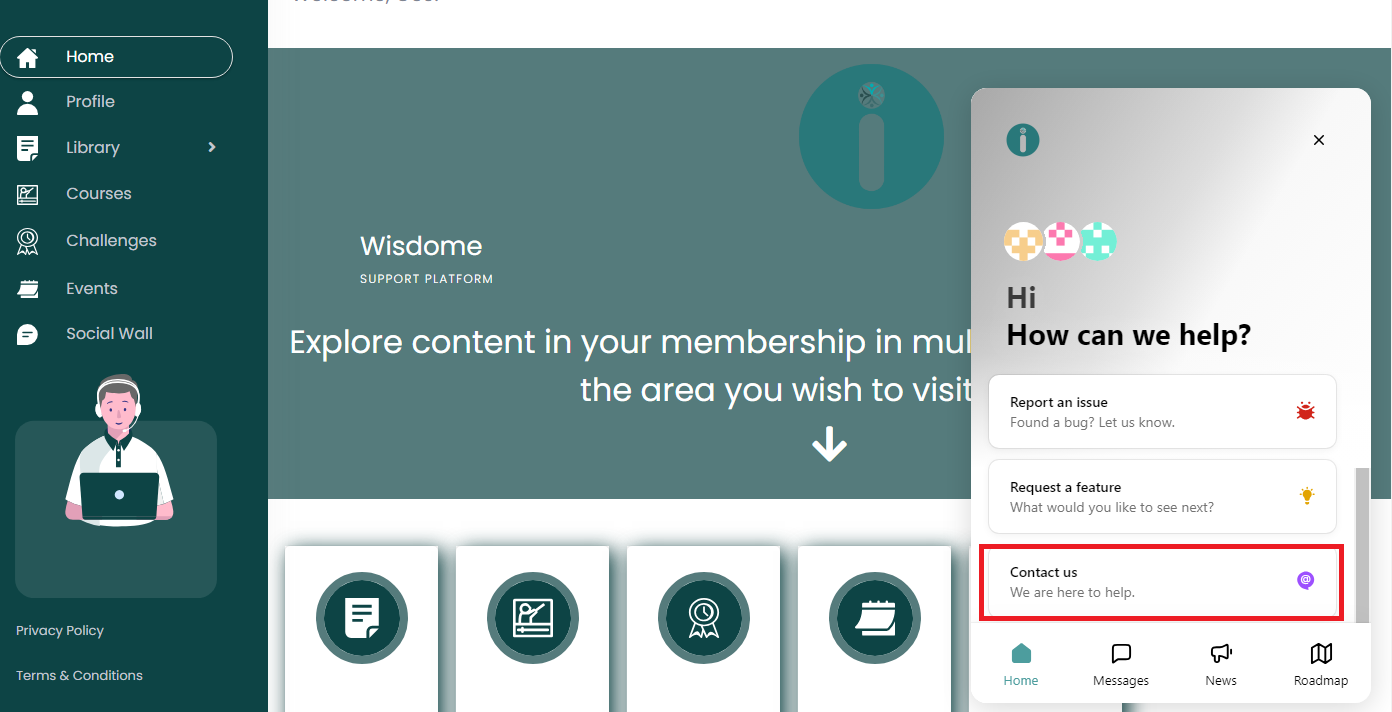
Note: If you need help or have questions, email us at userhelp@wisdome.com. You may also click on the 'Feedback' button in the middle right-hand corner of your screen, then choose 'Contact us'.